
- Published on
Day8: Fun with HTML5 Canvas
- Authors

- Name
- irisjustdoit
- @irisjustdoit
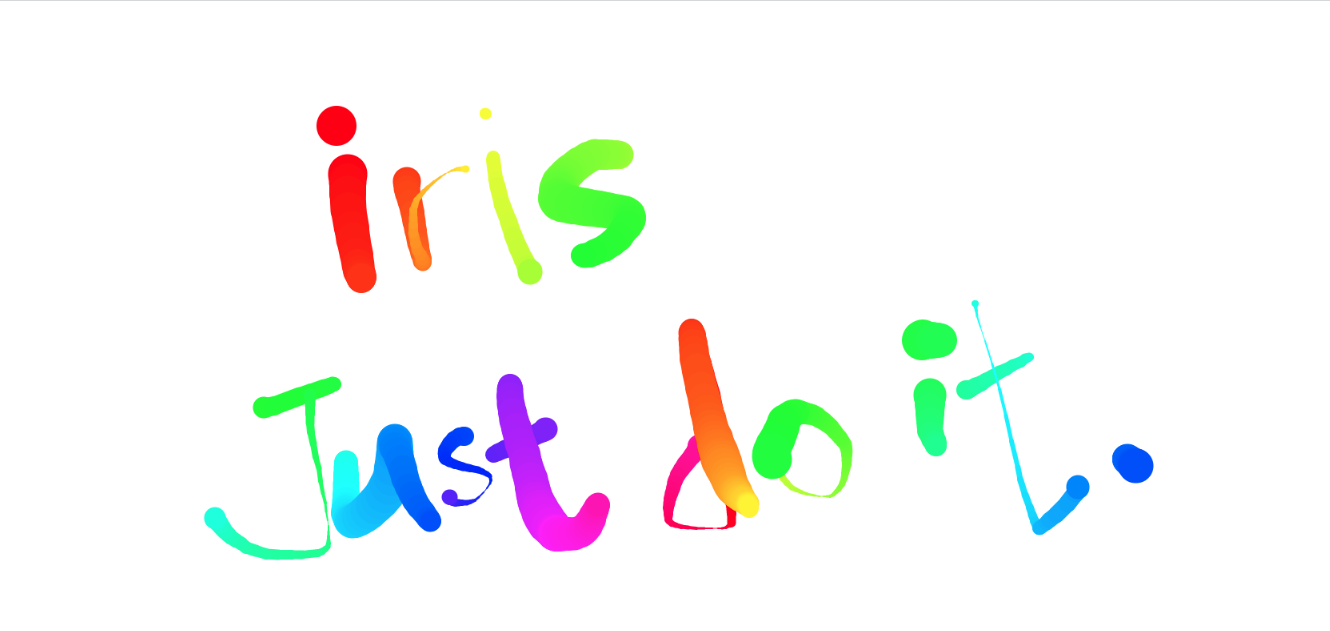
Project Introduction: Practice working with Canvas
Project Page: https://iris1114.github.io/javascript30/08_Fun-with-HTML5-Canvas/index.html
Step1: Setting up Variables
// Get the #draw element
const canvas = document.querySelector('#draw')
// getContext gets the context for drawing, 2d represents two-dimensional drawing
const ctx = canvas.getContext('2d')

// Set canvas width and height to window dimensions
canvas.width = window.innerWidth
canvas.height = window.innerHeight

// Set styles
ctx.strokeStyle = '#BADA55' // Stroke color
ctx.lineJoin = 'round' // Line join style
ctx.lineCap = 'round' // Line end style
ctx.lineWidth = 100 // Line width

// Set parameters
let isDrawing = false // Flag to check if drawing is in progress
let lastX = 0 // Drawing position
let lastY = 0
let hue = 0 // Color value used in hsl
let direction = true // Flag for line width increase/decrease
Step 2: Setting up the draw() Function
function draw(e) {
  if (!isDrawing) return // Stop if not drawing
  ctx.strokeStyle = `hsl(${hue}, 100%, 50%)` // Color
  ctx.beginPath() // Initialize a new path
  // start from
  ctx.moveTo(lastX, lastY) // Initial position
  // go to
  ctx.lineTo(e.offsetX, e.offsetY) // Connect path endpoint to specified coordinates
  ctx.stroke() // Draw the path
  ;[lastX, lastY] = [e.offsetX, e.offsetY] // Update X and Y variables with endpoint

  hue++
  if (hue >= 360) {
    // Reset color code when it exceeds 360
    hue = 0
  }
  // Reverse direction if line width is >= 50 or <= 1
  if (ctx.lineWidth >= 50 || ctx.lineWidth <= 1) {
    direction = !direction
  }

  // Increase or decrease line width
  if (direction) {
    ctx.lineWidth++
  } else {
    ctx.lineWidth--
  }
}
Step3: Binding Mouse Events
// mousedown - when mouse button is pressed, set isDrawing to true and update current mouse position to X, Y variables
canvas.addEventListener('mousedown', (e) => {
  isDrawing = true
  ;[lastX, lastY] = [e.offsetX, e.offsetY]
})

// While mouse is moving
canvas.addEventListener('mousemove', draw)
// When mouse button is released
canvas.addEventListener('mouseup', () => (isDrawing = false))
// When mouse moves out of canvas
canvas.addEventListener('mouseout', () => (isDrawing = false))
Additional Notes: Canvas
HTML5 Canvas has only two properties and two methods:
- width
- height
- getContext()
- toDataURL()
The first three are essential - we usually need to specify canvas dimensions, and without getContext to obtain the context, we can't draw anything.
Canvas 2d context operations can be grouped into several categories:
- State Management: save(), restore()
- Transformations: scale(), rotate(), translate(), transform(), setTransform()
- Composition: globalAlpha, globalCompositionOperation
- Colors and Styles: strokeStyle, fillStyle, createLinearGradient(), createRadialGradient(), createPattern()
- Line Styles and Joins: lineWidth, lineCap, lineJoin, miterLimit
- Shadows: shadowOffsetX, shadowOffsetY, shadowBlur, shadowColor
- Rectangles: clearRect(), fillRect(), strokeRect()
- Path API: beginPath(), closePath(), moveTo(), lineTo(), quadraticCurveTo(), bezierCurveTo(), arcTo(), rect(), arc(), fill(), stroke(), clip(), isPointInPath()
- Focus Management: drawFocusRing()
- Text: font, textAlien, textBaseline, fillText(), strokeText(), measureText()
- Images: drawImage(), createImageData(), getImageData(), putImageData()
References
https://ithelp.ithome.com.tw/articles/10055676 https://guahsu.io/2017/06/JavaScript30-08-Fun-with-HTML5-Canvas/