
- Published on
Day3: CSS Variables
- Authors

- Name
- irisjustdoit
- @irisjustdoit
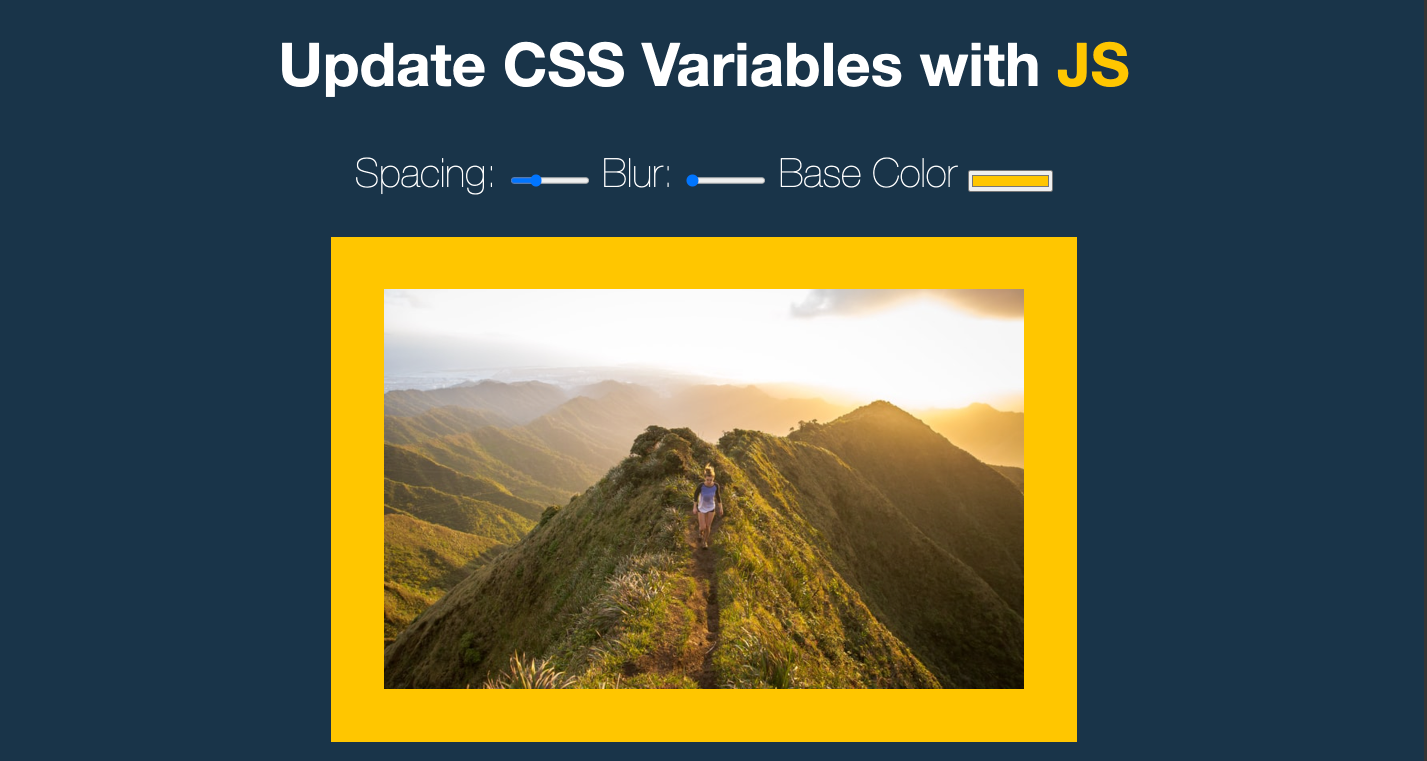
Project Introduction: Using JavaScript and CSS3 to adjust image border spacing, blur effect, and background color. The title "JS" also changes with the background color.
Project Page: https://iris1114.github.io/javascript30/03_CSS-Variables/index.html
1. Implementation:
- Create CSS variables
- Dynamically change CSS values using JavaScript when spacing, blur, or background color is adjusted
2. Using CSS Variables
I never had the chance to use :root at work before. After reading Amos's article, I learned that it's mainly used with CSS variables. It primarily involves creating and applying variables.
Variables can be created as either global or local variables. Global variables can be used throughout, while local variables are only accessible within their defined scope.
To apply variables, simply use the var() keyword and write the variable name inside the parentheses where you want to use it.
/* Creating global CSS variables */
:root {
  --base: #ffc600;
  --spacing: 10px;
  --blur: 10px;
}

/* Creating local CSS variables */
.section {
  --base-area: #ffc600;
}

/* Applying variables */
img {
  padding: var(--spacing);
  background: var(--base);
  filter: blur(var(--blur));
}

.hl {
  color: var(--base);
}
3. input element
The input event is triggered when the value of an <input>, <select>, or <textarea> element is modified.
Note: The input event triggers every time the element's value changes. This is different from the change event, which only triggers when the value is submitted.
I initially used the change event, but after seeing others use the input event, I learned that it triggers whenever the value changes. This provides better UX for background color changes, so I ultimately used the input event.
4. Dynamically Changing CSS
You can use document.documentElement.style.setProperty('--<varName>', '<varValue>') to dynamically modify CSS variable values.
document.documentElement.style.setProperty(
  `--${this.name}`,
  `${this.value}${suffix}`
)
5. code
;(() => {
  const inputs = document.querySelectorAll('input')

  function changeHandle() {
    const suffix = this.name === 'base' ? '' : 'px' // Remember to add px, background color doesn't need px
    document.documentElement.style.setProperty(
      `--${this.name}`,
      `${this.value}${suffix}`
    )
  }

  inputs.forEach((input) => {
    input.addEventListener('input', changeHandle)
  })
})()
6. References
https://ithelp.ithome.com.tw/articles/10228111 https://pjchender.dev/js30/js30-day03/ https://developer.mozilla.org/zh-CN/docs/Web/API/HTMLElement/input_event