
- Published on
Day1: JavaScript 30 Challenge
- Authors

- Name
- irisjustdoit
- @irisjustdoit
Since the Level 3 pandemic alert, staying at home has led to an irregular schedule and unproductive activities (mostly watching shows and scrolling on my phone). Recently, I finally realized this needed to change and started implementing the "10 Billion Morning Habit". This has significantly improved my lifestyle, and I think it's a great morning ritual that I'll share in a future blog post.
I've finally renovated my blog - doesn't it look better than before? XDD I also deleted some old posts that I felt weren't well written. During this pandemic, while staying at home, I want to rediscover my original motivation for blogging, take notes, and document life.
This JavaScript30 challenge is something I've wanted to do for a long time. I've attempted the first few exercises before but gave up halfway. I hope this time I can persist and relearn forgotten JavaScript concepts while developing self-discipline.
Let's start without delay ~ DAY 1 ~
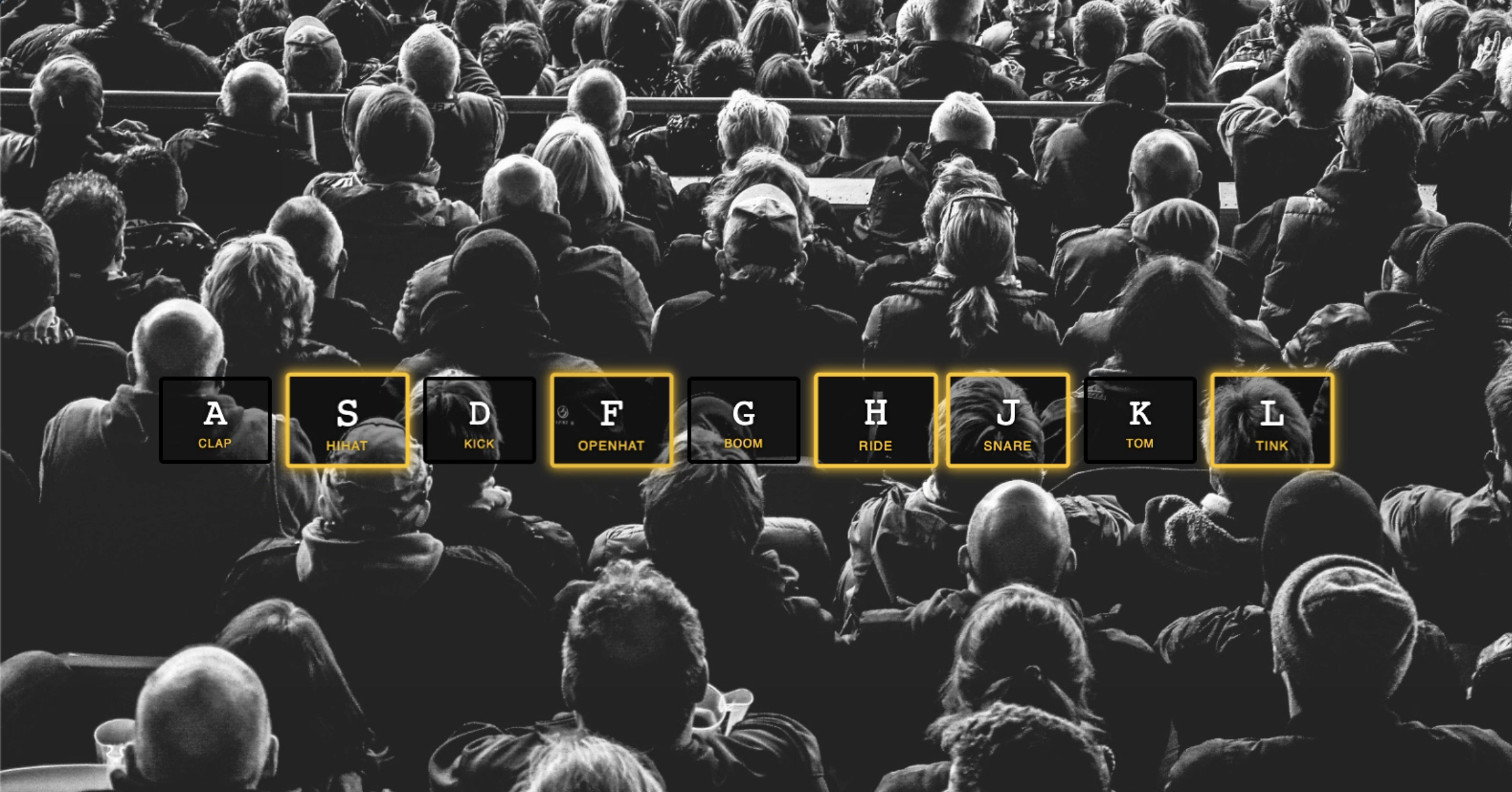
Project Introduction: Playing music effects when pressing keyboard keys.
Project Page: https://iris1114.github.io/javascript30/01_JavaScript-Drum-Kit/index.html
1. Implementation:
- Execute music playback when pressing keys
- Get the DOM objects for the keys and their corresponding music
- If matching music exists, play it and apply CSS effects to the key
- Remove CSS effects when the key is released
2. Differences between keydown, keypress, and keyup
keydown
- Triggers at the moment a keyboard key is pressed
- Has keyCode for any keyboard key press
- Same keyCode for uppercase and lowercase
- Continuously triggers when holding down a key
keypress
- Only works for keys that can output text symbols, not for ESC, arrow keys, etc.
- Different keyCodes for uppercase and lowercase
- Continuously triggers when holding down a key
keyup
- Triggers at the moment a keyboard key is released
- Only triggers once per key release, no continuous triggering
- Has keyCode for any keyboard key, same keyCode for uppercase and lowercase
- Only keyup events can get the most current input value
These three events trigger in the following order: keydown→keypress→keyup
3. transitionend Event
The transitionend event triggers after a CSS transition ends. Using the transitionend event, we can monitor all nodes with CSS transition properties.
key.addEventListener('transitionend', transitionendHandle)
4. audio Properties
currentTime: Returns the current playback position of the audio/video in seconds
To replay, set currentTime = 0; to start playing from the beginning.
5. Code
<script>
      (() => {
        const palyHandle = (e) => {
          const audio = document.querySelector(
            `audio[data-key="${e.keyCode}"]`
          );
          const key = document.querySelector(`div[data-key="${e.keyCode}"]`);

          if (audio) {
            audio.currentTime = 0;
            audio.play();
            key.classList.add("playing");
          }
        };

        const transitionendHandle = (e) => {
          e.currentTarget.classList.remove("playing");
        };

        const keys = document.querySelectorAll(".key");
        keys.forEach((key) => {
          key.addEventListener("transitionend", transitionendHandle);
        });

        window.addEventListener("keydown", palyHandle);
      })();
</script>
6. References
- More events: https://developer.mozilla.org/en-US/docs/Web/Events
- Audio/video methods and properties: https://www.w3schools.com/tags/ref_av_dom.asp