
- Published on
Facebook Hacked and Disabled: How to Recover Your Account with Real Customer Service
- Authors

- Name
- irisjustdoit
- @irisjustdoit
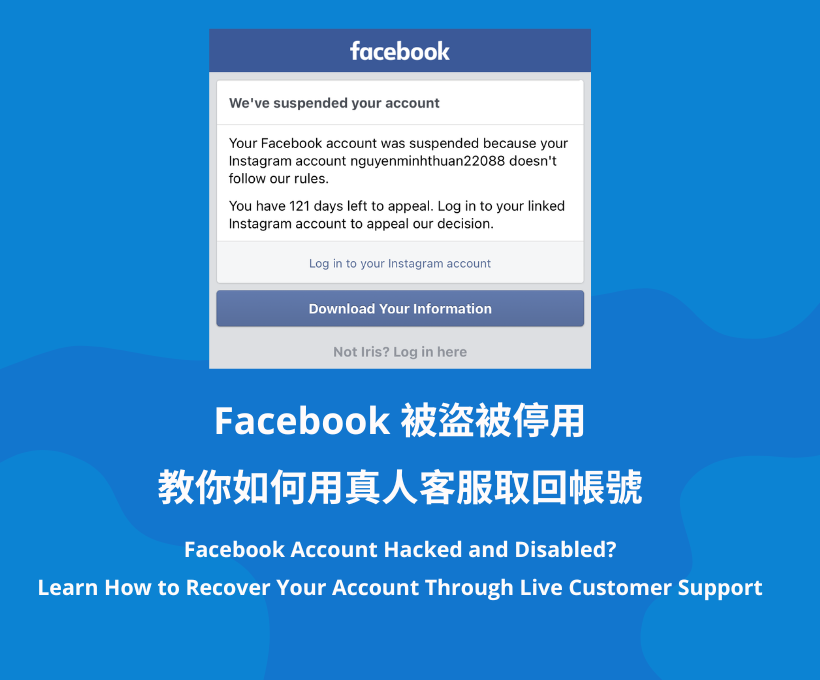
As the title suggests, I recently had my Facebook account hacked. One night, I accidentally clicked on a phishing link (I remember that the link said it violated advertising policies, and since I had previously helped someone with advertising, I thought it was an issue with the ads). As a result, during the early morning hours, the hacker invaded my Facebook and spent my advertising budget. The next morning, I woke up to find my account hacked and disabled, which made me extremely angry. Fortunately, the banks in Taiwan are very efficient; they immediately helped me cancel the charges and issued a new credit card.
As for recovering my Facebook account, I tried many methods, such as uploading my ID and reporting through Instagram, etc. I received an email response saying that my Facebook name did not match my ID, so they could not recover it. Feeling disheartened, I unexpectedly saw that I could apply for a blue checkmark and chat with real customer service, which reignited my hope! I thought I would spend money to try to recover my account that I had used for so many years!
In the end, I really got it back! Later, some friends asked me how to recover their accounts, so I decided to write an article to clarify things. I spent a lot of time organizing this article, and I sincerely hope it can help those in need. I hope you can also recover your accounts and retrieve the memories and friends from those years. Indeed, people only learn to cherish what they have after losing it, haha.
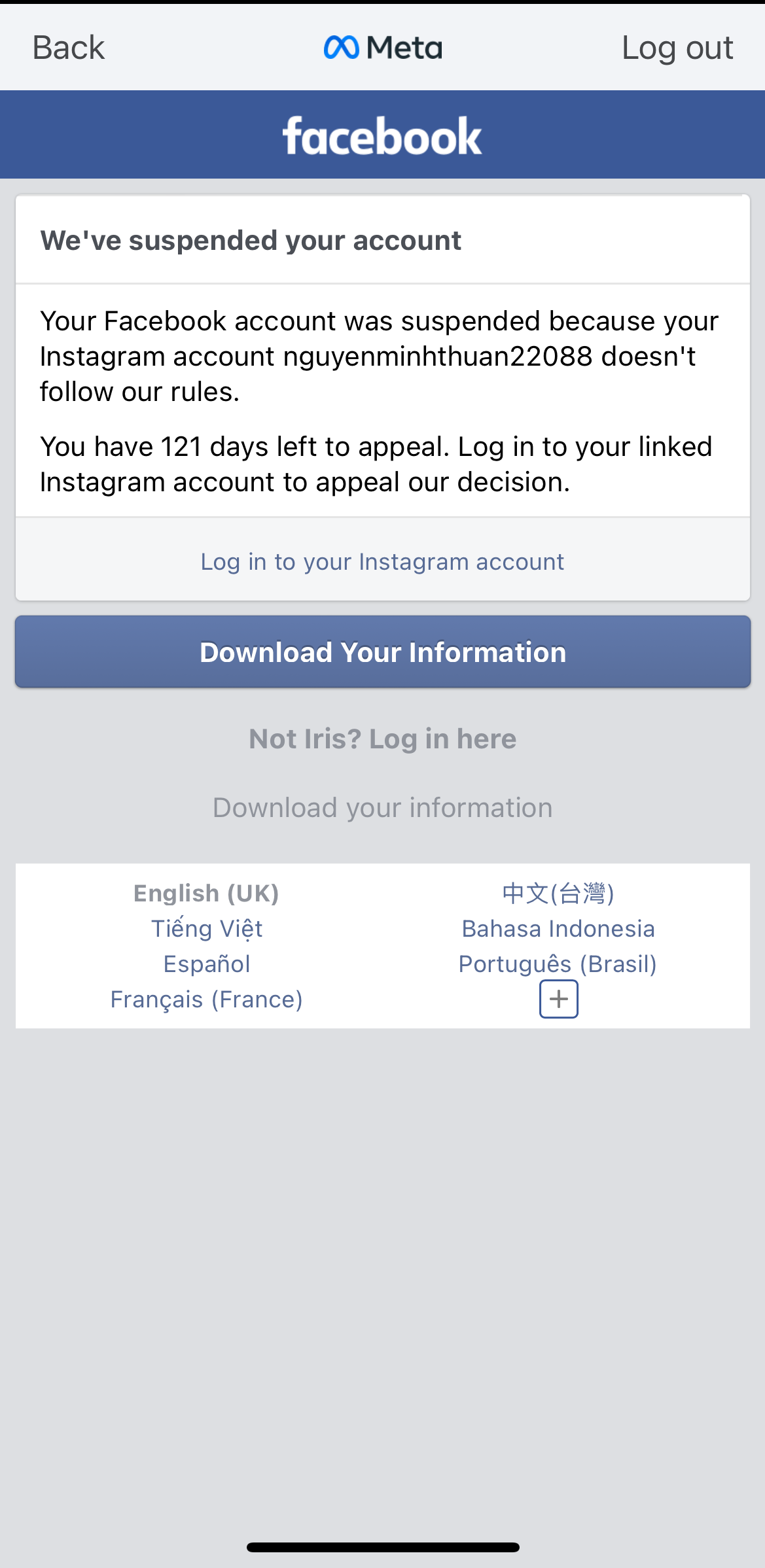
- In the "Profile" page, click on the "≡" option in the upper right corner. Reminder: You need to use an Instagram account linked to the same email.
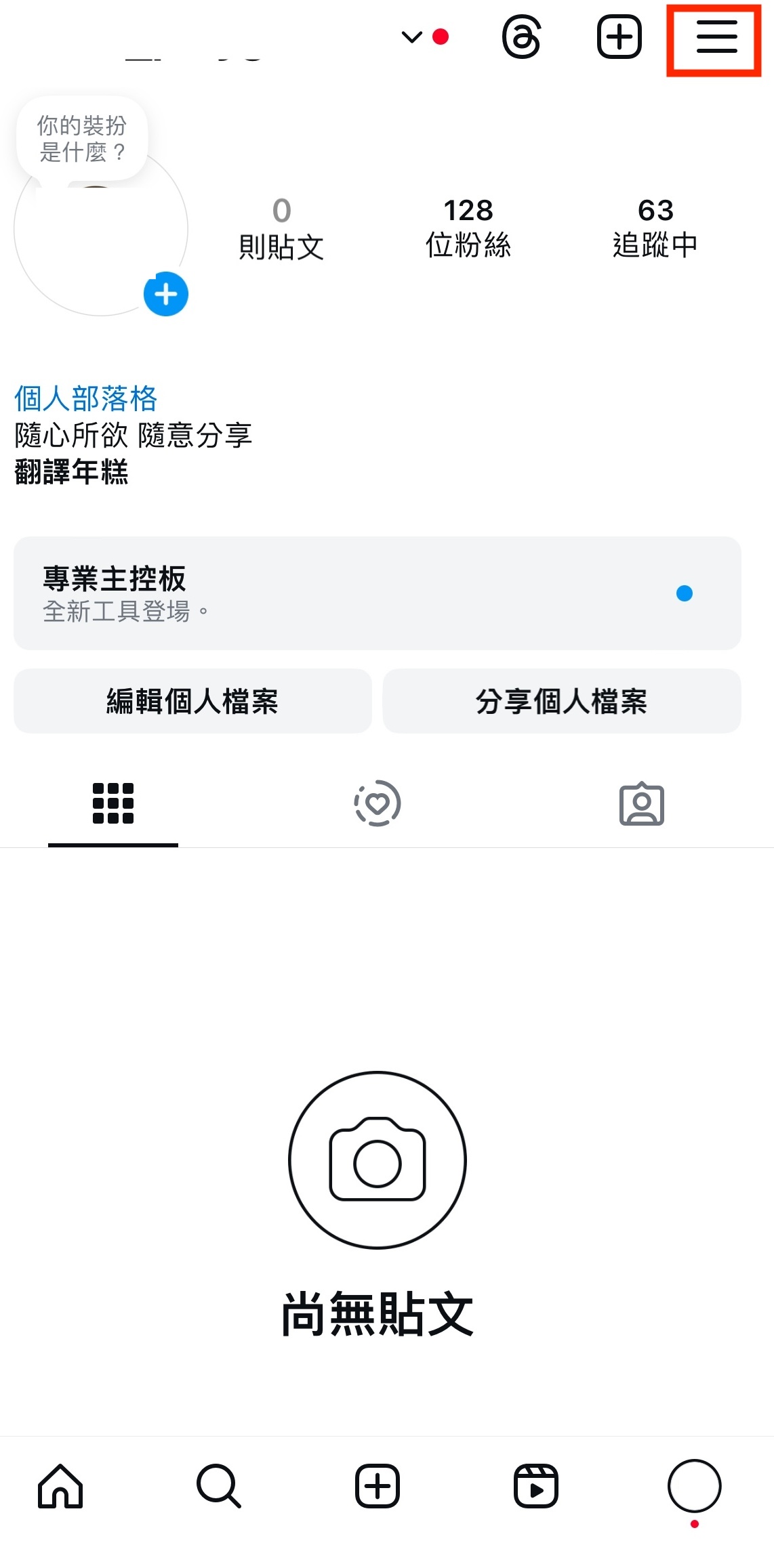
- Click on the Account Management Center.
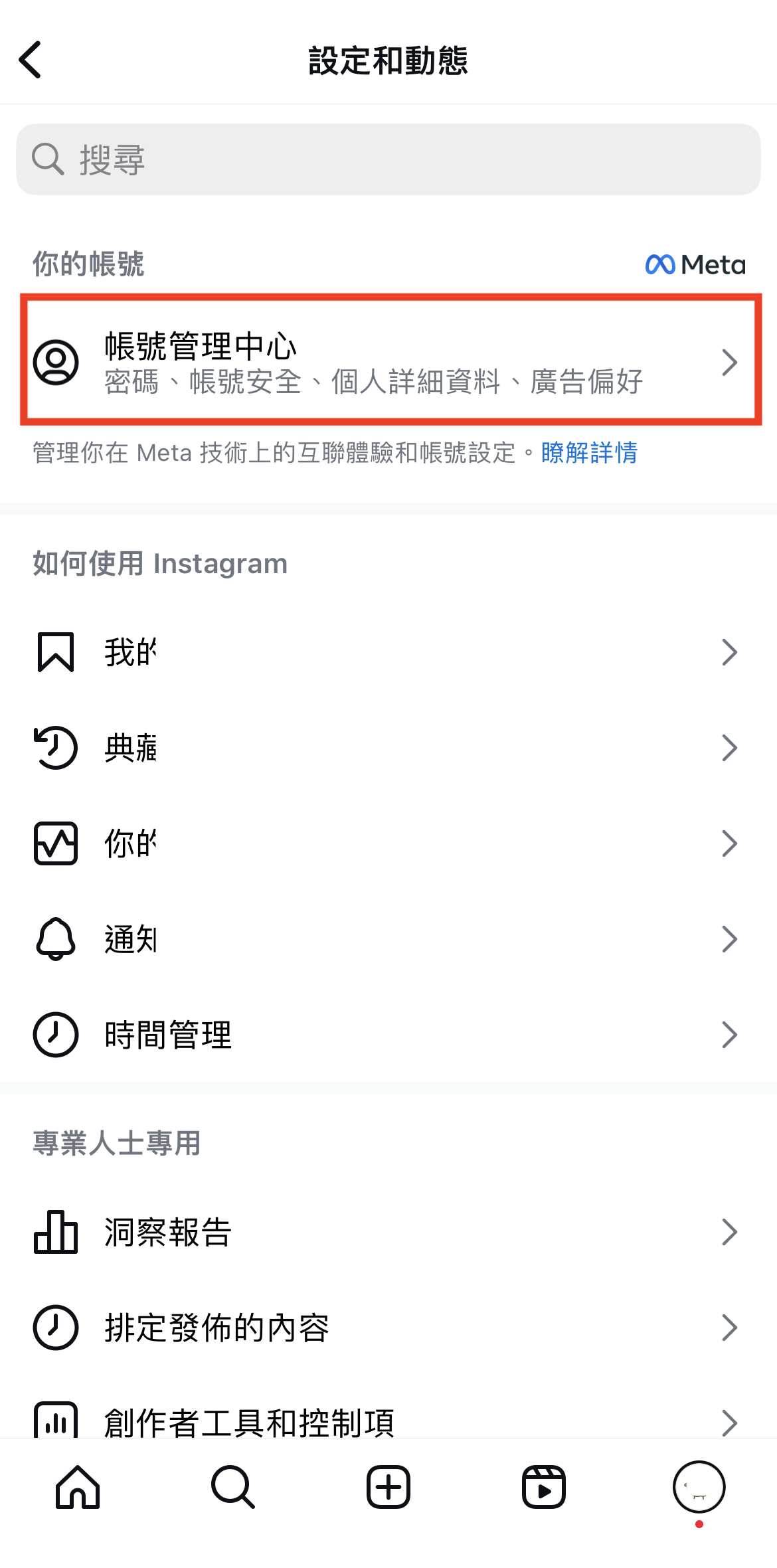
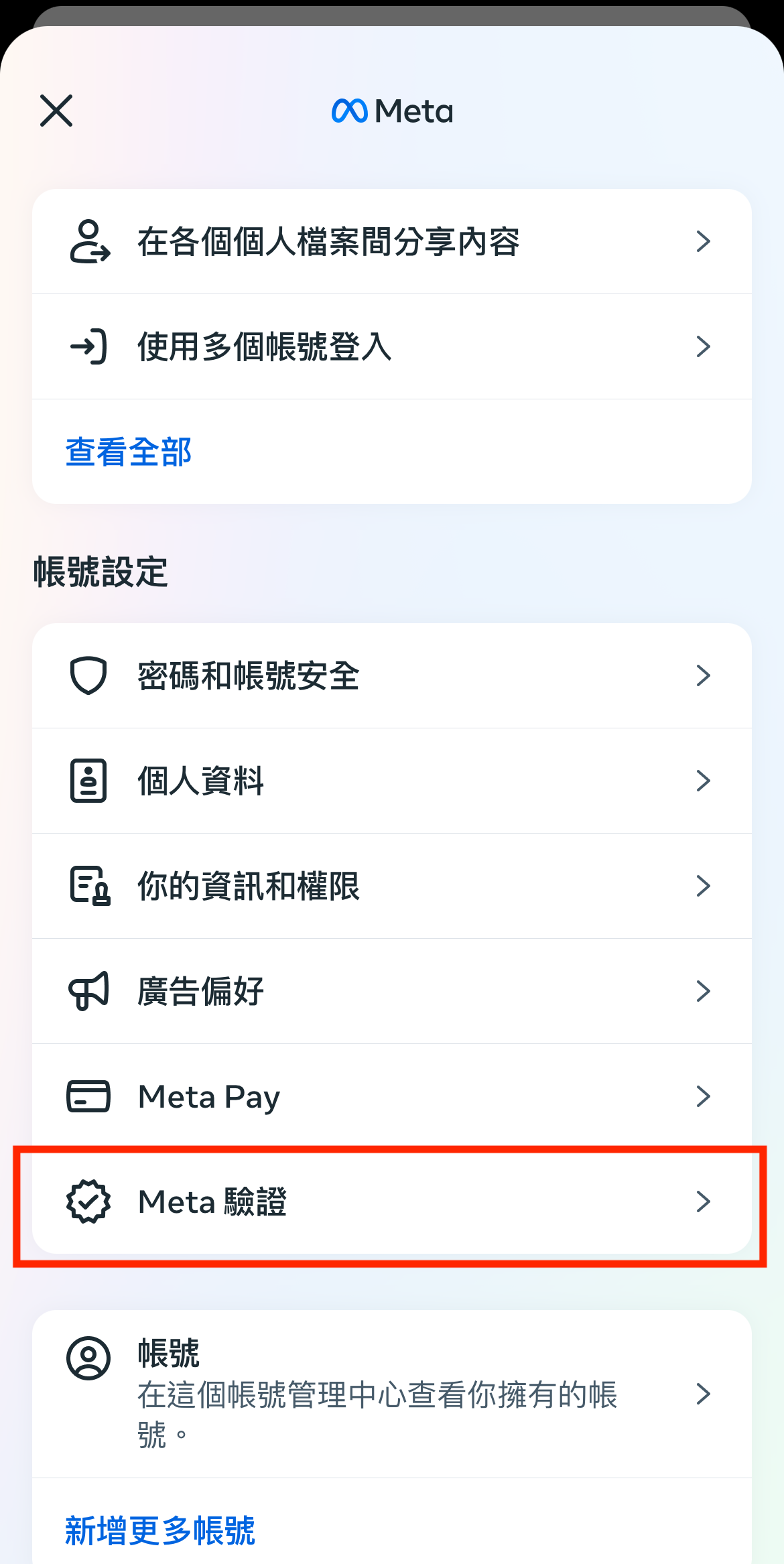
- Click on Meta Verification. Subscribe to Meta for a month, costing RM41.99, NTD455, and you can unsubscribe at any time.
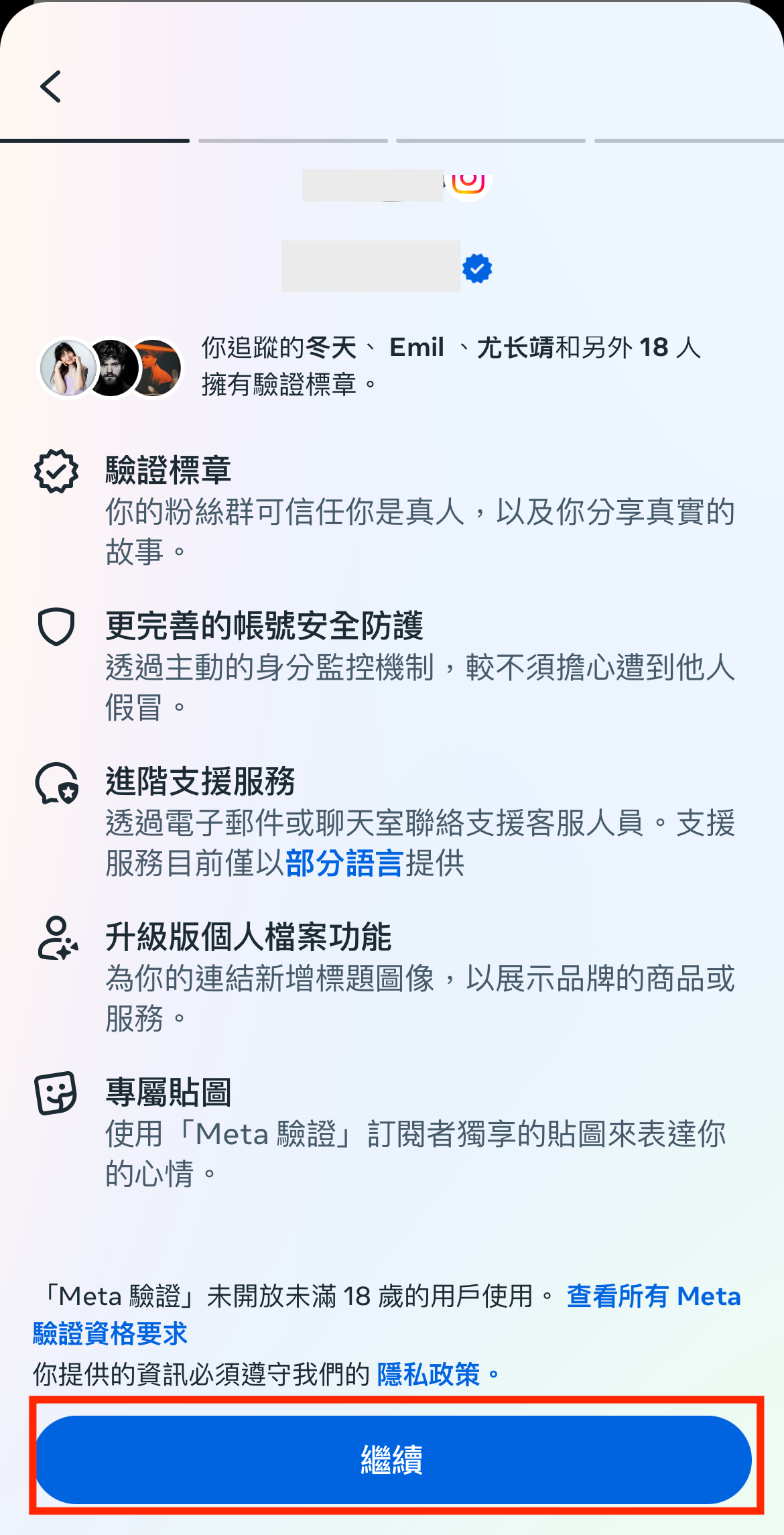
- Click Continue.
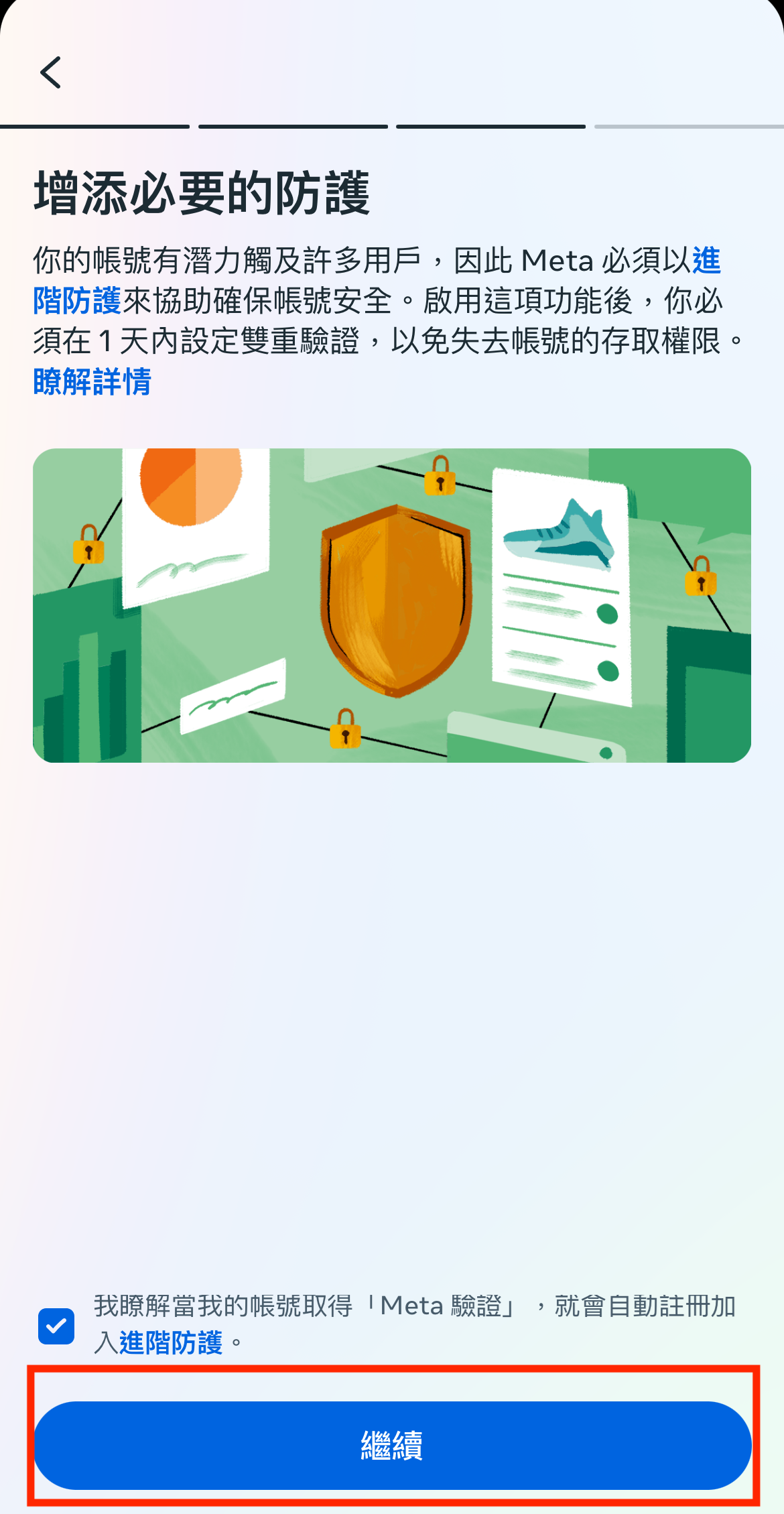
- Click Continue.
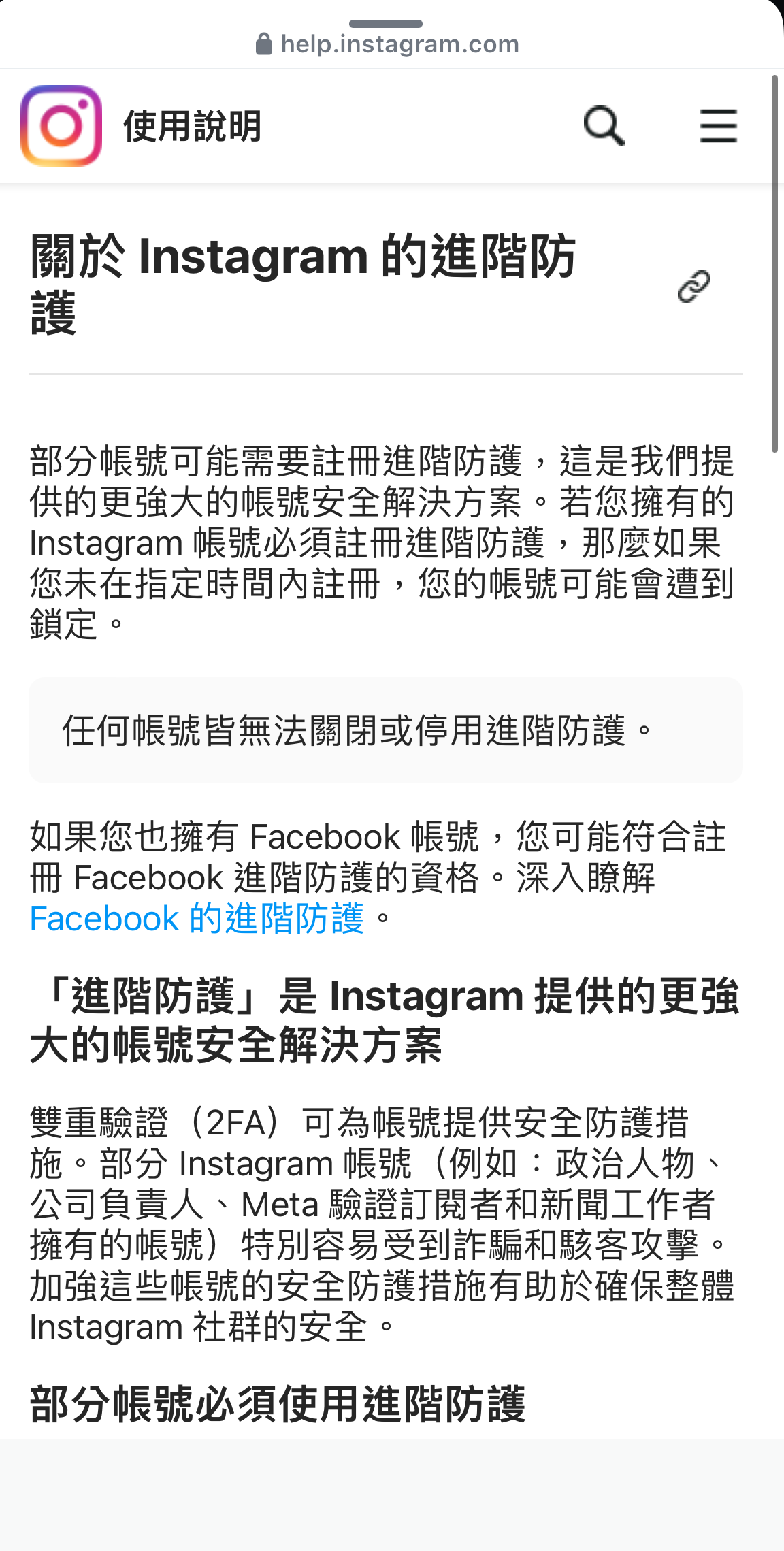
- Explanation about advanced protection.
- Successfully subscribed, click Skip.
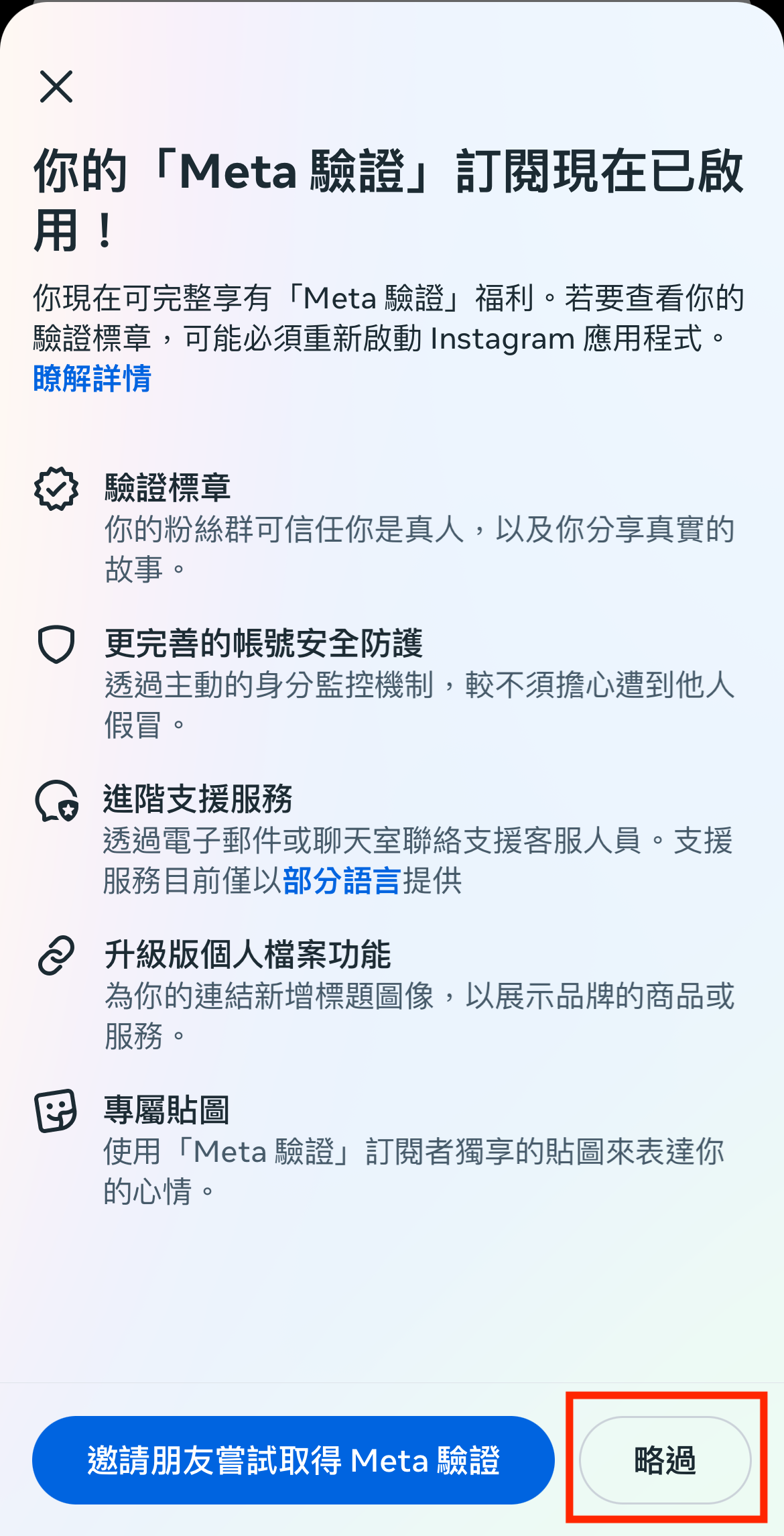
- At this point, you can use real customer service. Click on Advanced Support Services.
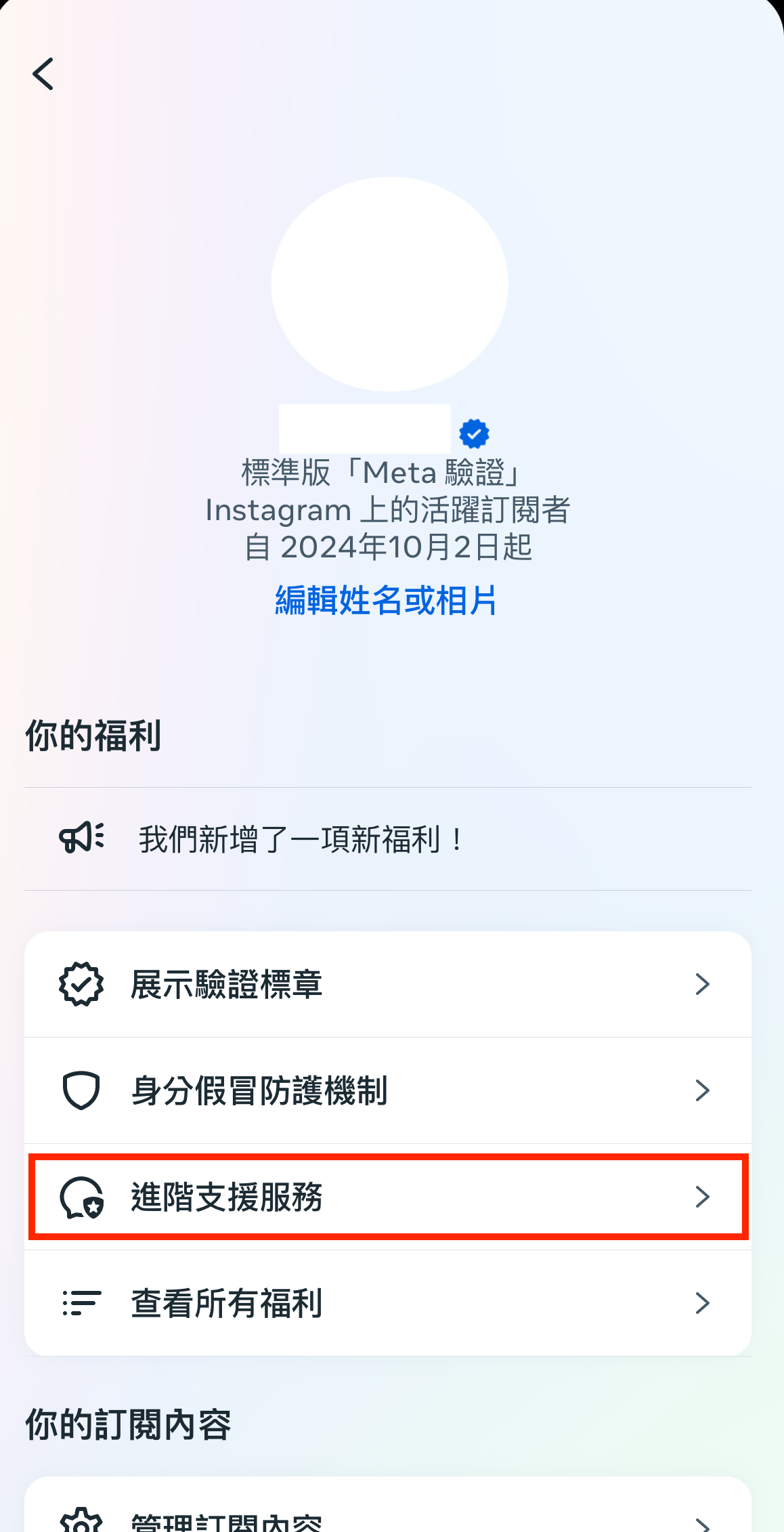
- Click Get Support.
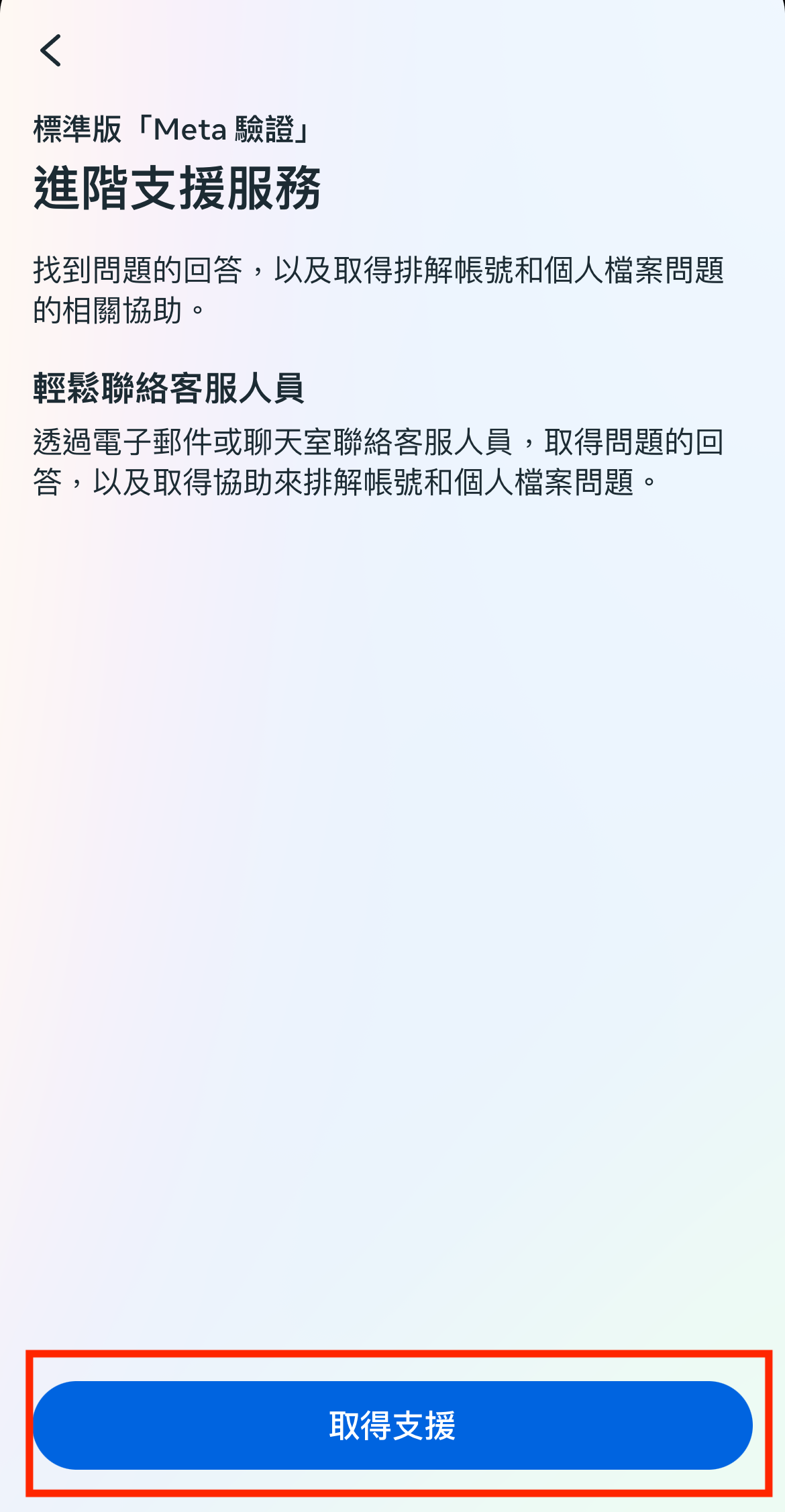
- Click Account Access.
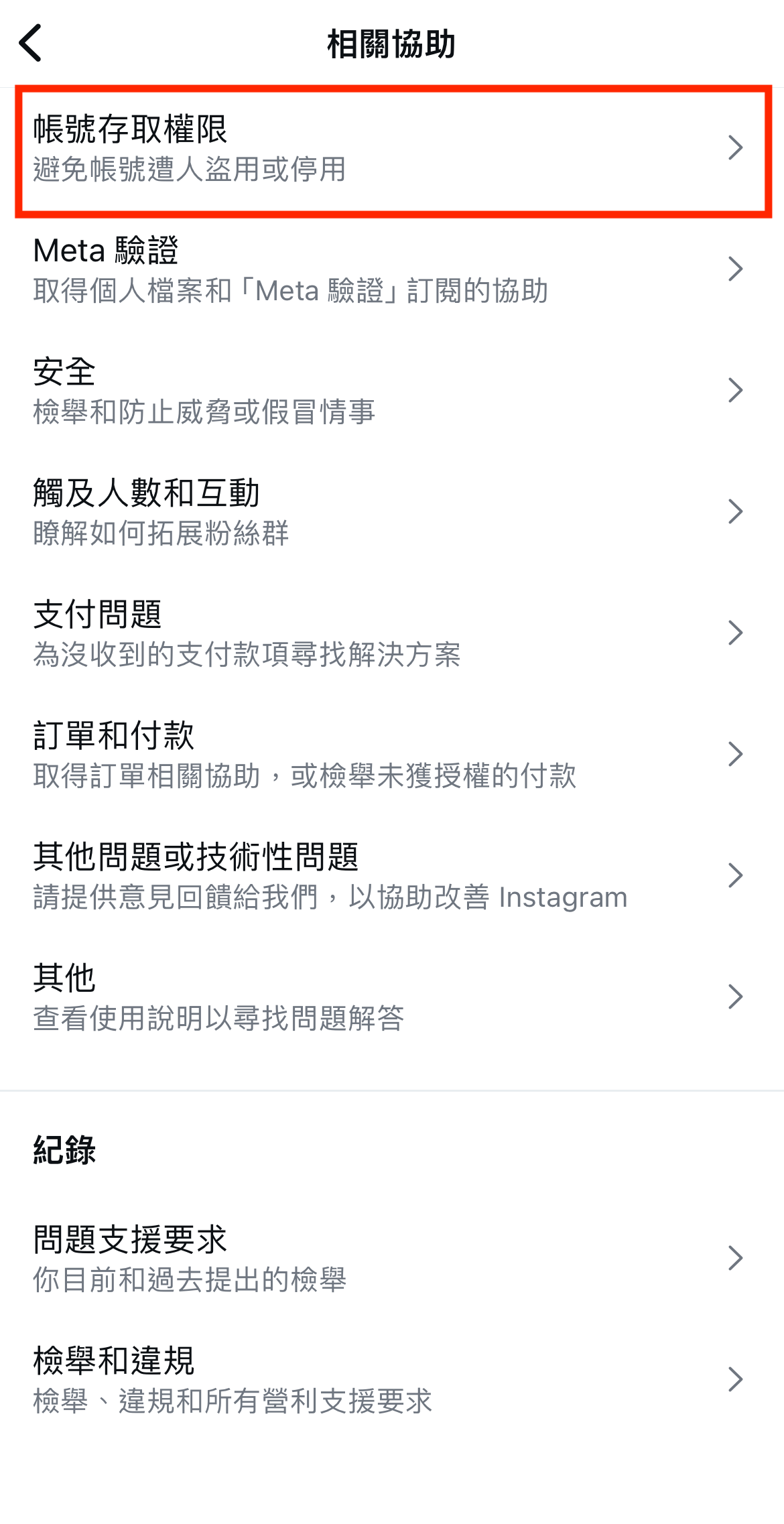
- Click Even If Consulting Support Services.
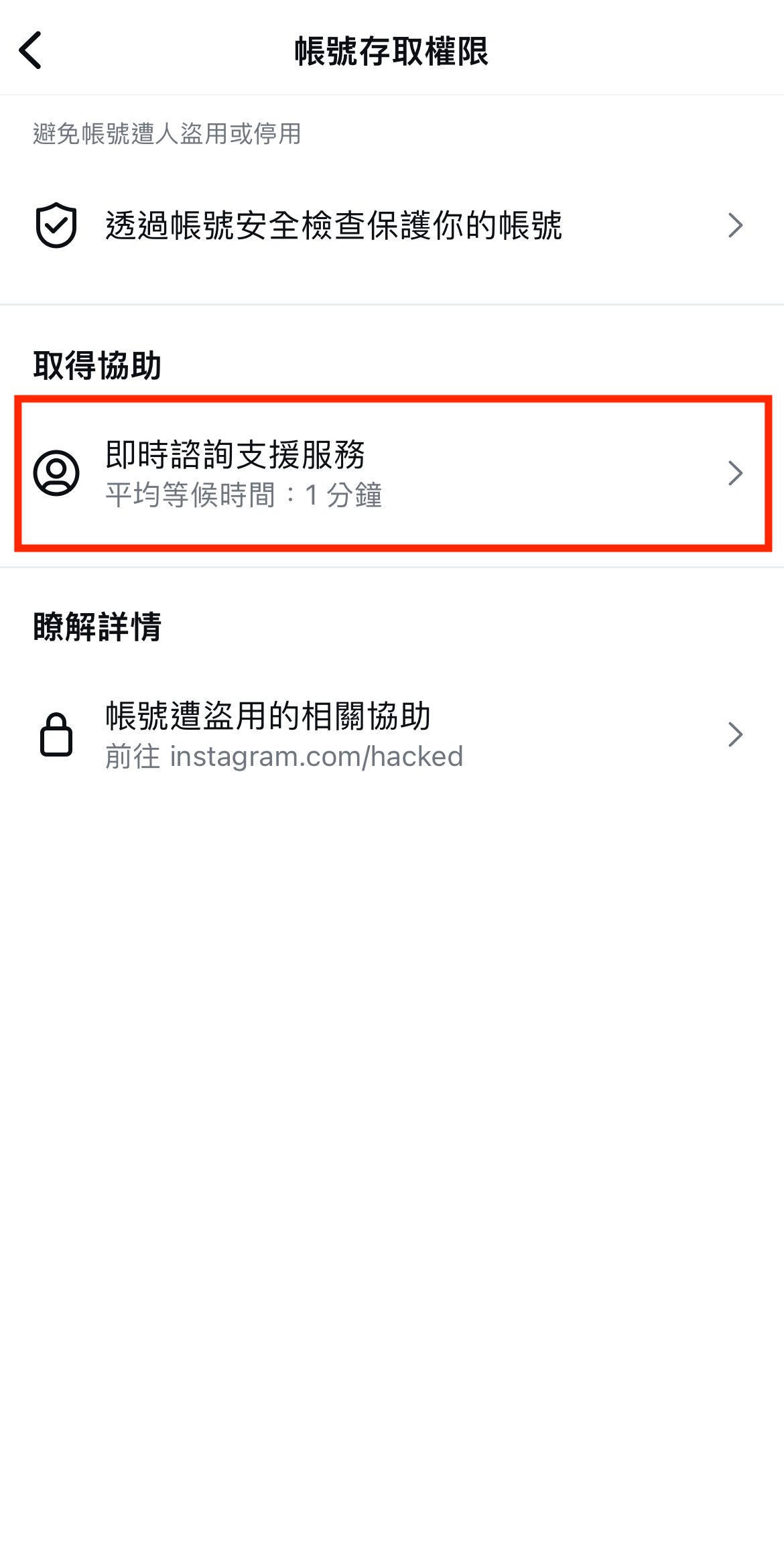
- Click Chat with Us.
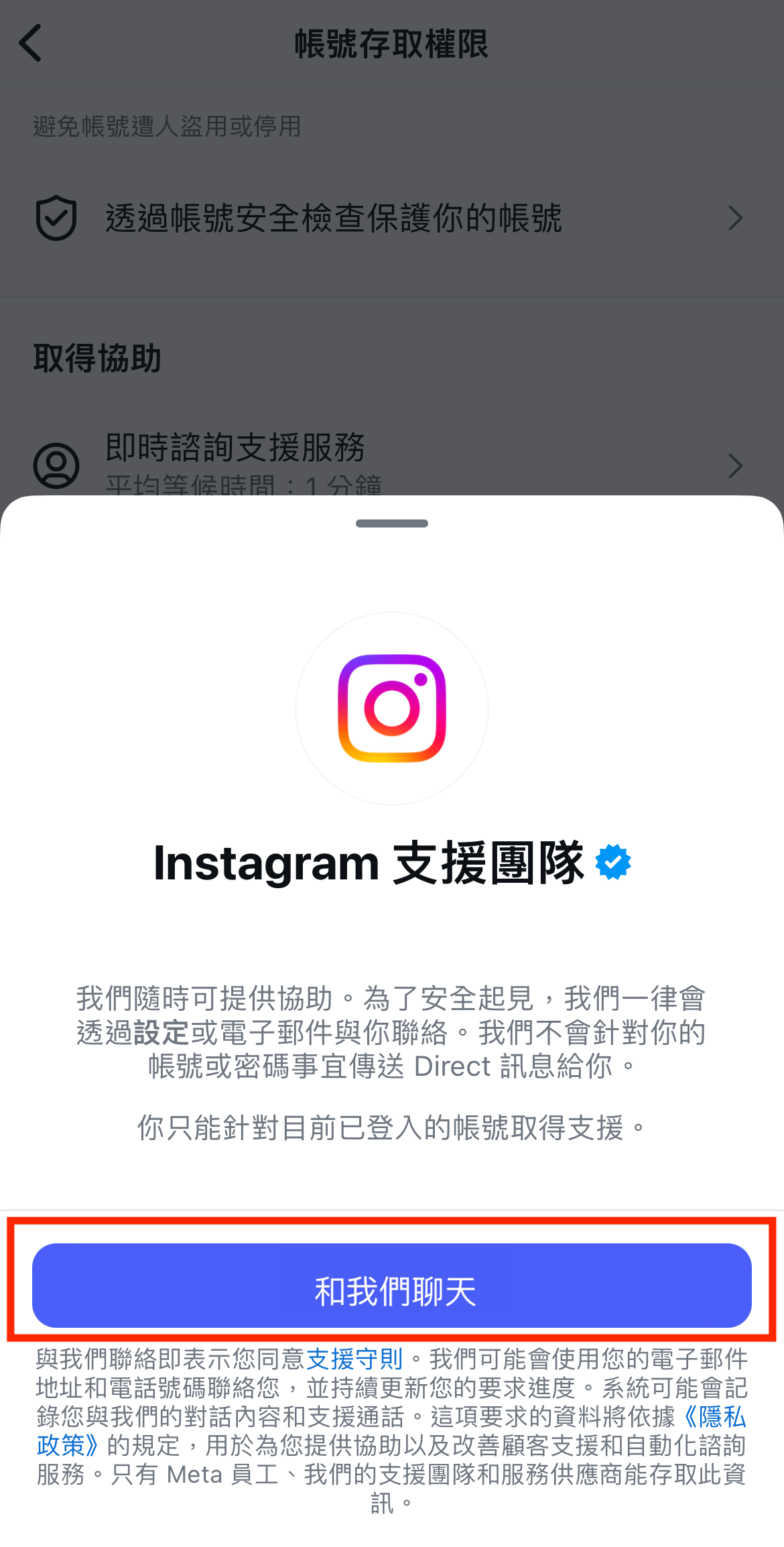
- You can start chatting with real customer service now!
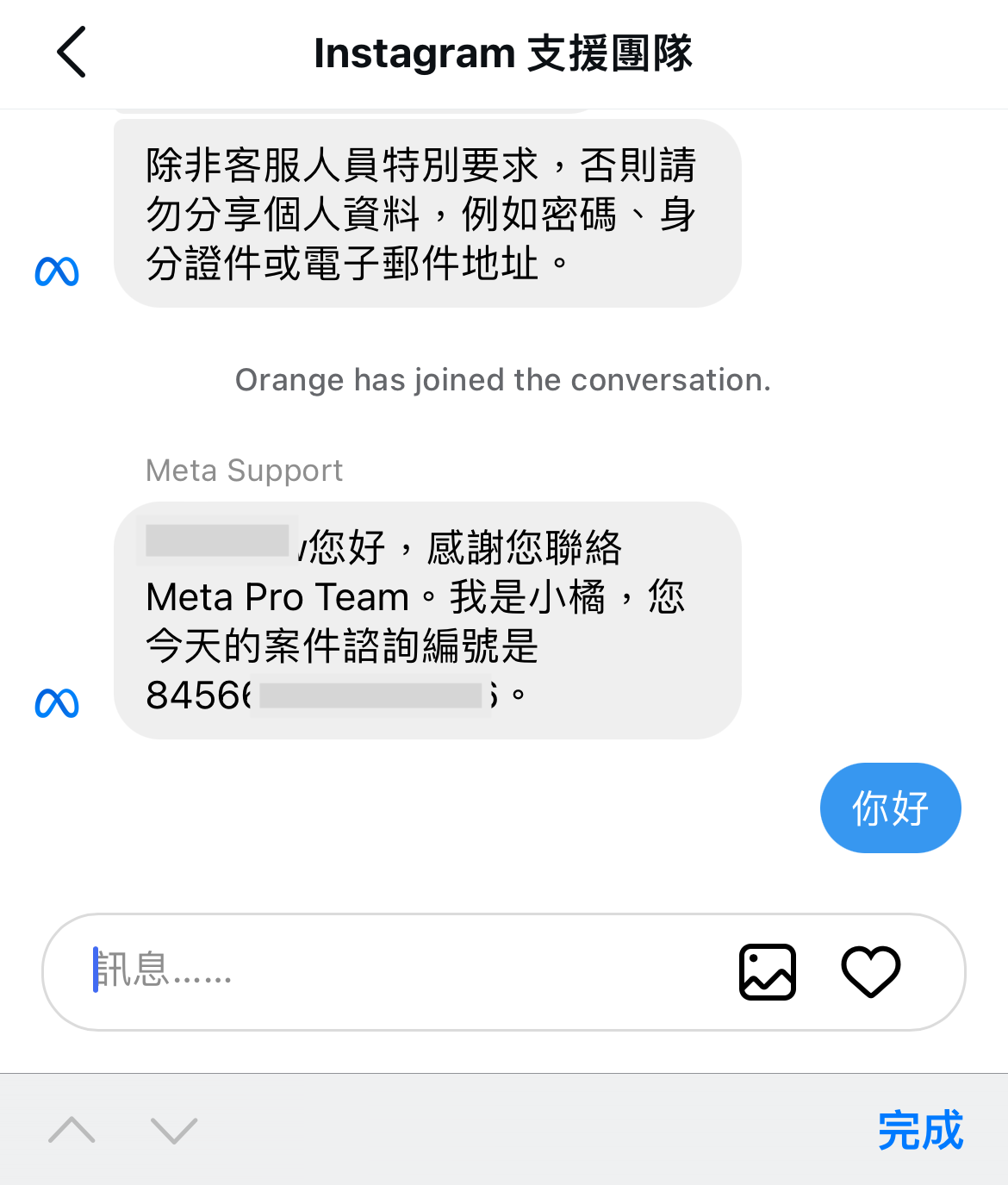
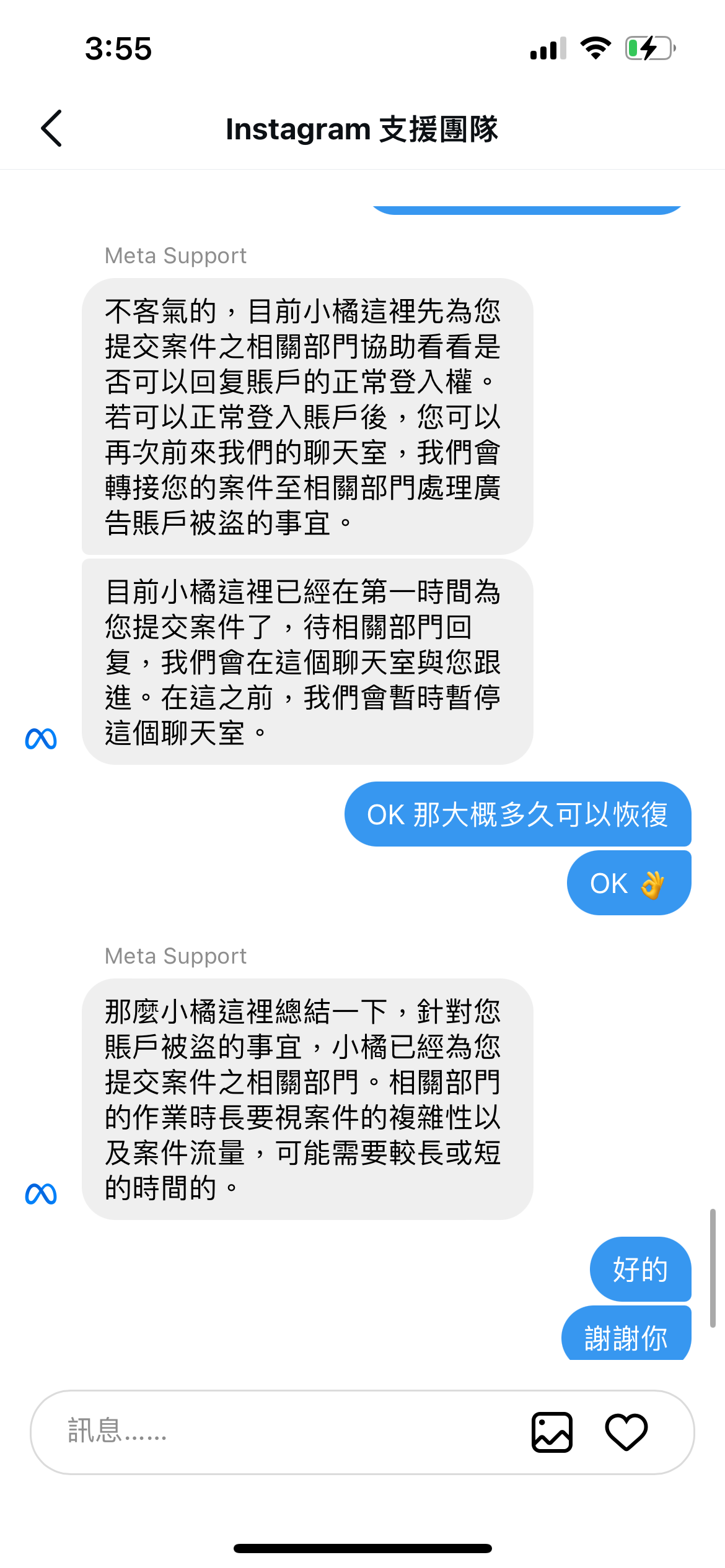
- The customer service will ask you to provide a new email.
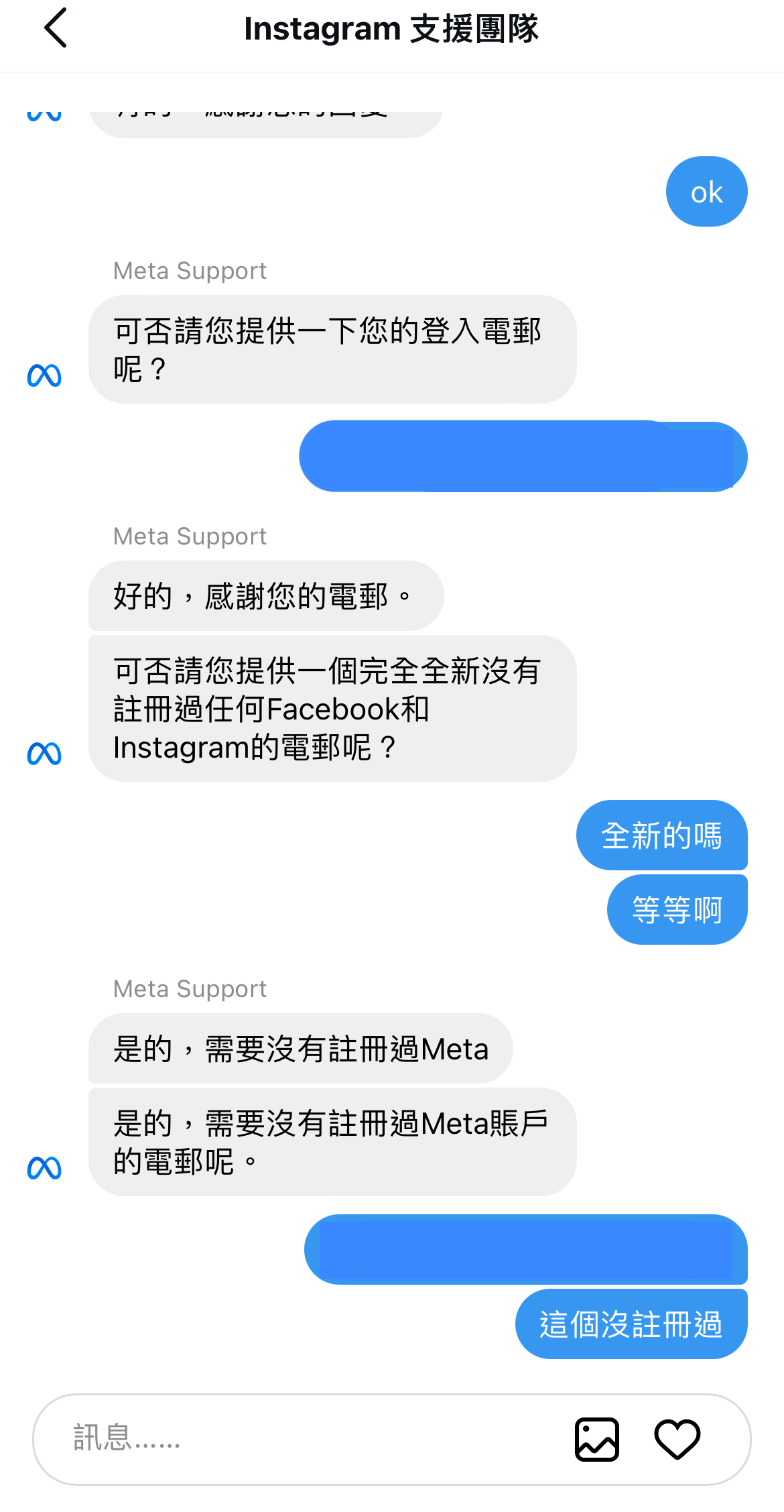
- I was asked how long it would take to recover, and in the end, it took me about 3 days.
- Actually, I received the FB confirmation code quite quickly on the same day. I was super happy, thinking I could recover my account immediately. However, when I used the confirmation code to log in, it said the account had been disabled. At that moment, I thought I probably wouldn't get it back and ended up wasting money 🥲.
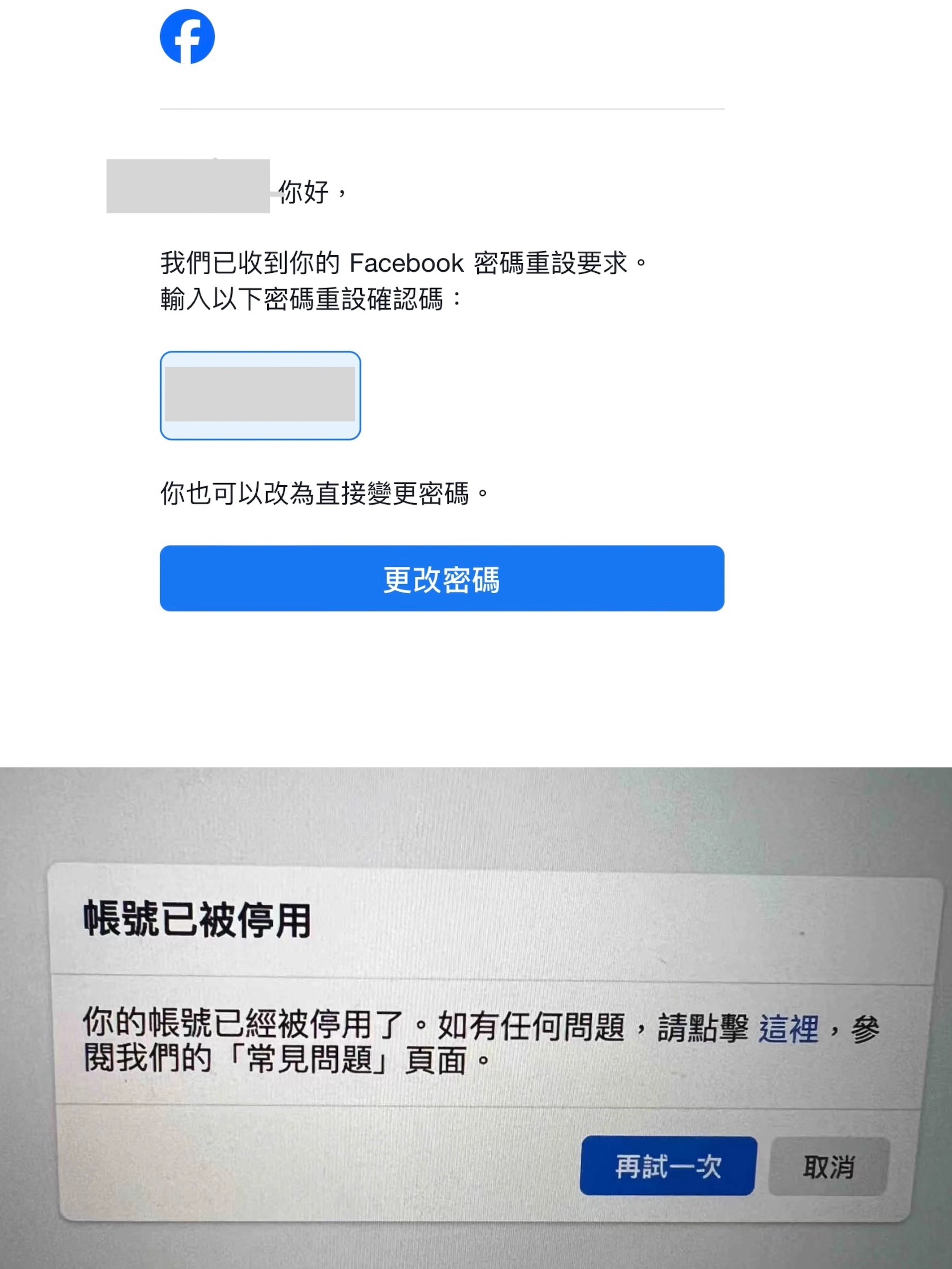
- After another 2 days, I tried logging in with the new email, and I received a new confirmation code. I managed to log in!!! I was almost in tears 🥹. It took me about 3 days in total.
I hope this can help those in need, and I wish everyone success! I will write another article about how to protect your account, so friends who are interested are welcome to follow me 🫡.